



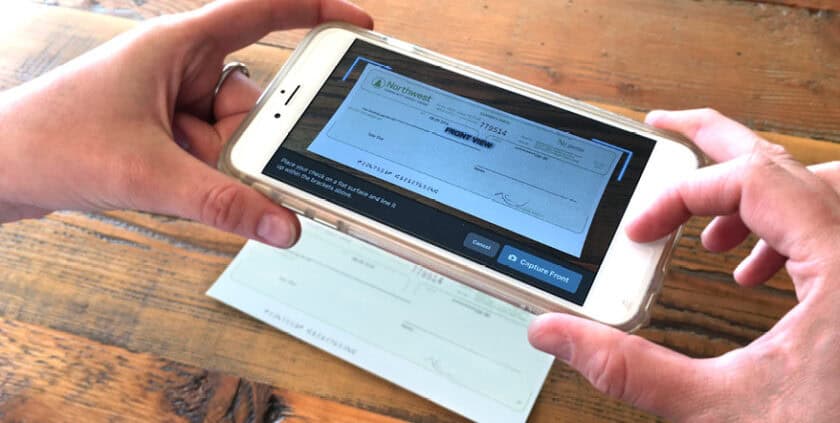
Mobile Check Deposit
Easy Tips on using Mobile Check Deposit
Here are some helpful tips on using mobile deposit
- Make sure to endorse the back of your checks with “For PCU Mobile Deposit.”
- Before logging into the Mobile Deposit app, close all other apps running in the background on your mobile phone.
- When prompted for the amount, carefully enter the check amount to ensure it matches the amount written on your check.
- Flatten folded or crumpled checks before taking your photos.
- Keep the check within the viewfinder on the camera screen when capturing your photos
- Try not to get too much of the areas surrounding the check.
- Take the photos of your check in a well-lit area.
- Place the check on solid dark background before taking the photo of it.
- Keep your phone flat and steady above the check when taking your photos.
- Hold the camera as square to the check as possible to reduce corner to corner skew.
- Make sure that the entire check image is visible and in focus before submitting your deposit.
- No shadows across the check
- All four corners are visible
- Check is not blurry
- The MICR line (numbers on the bottom of your check) is readable.
DOWNLOAD THE APP AND TRY IT TODAY
Get our full-featured mobile banking app for your Android or iOS smartphone.